Understanding the Dr. Pen M8 Charging Time
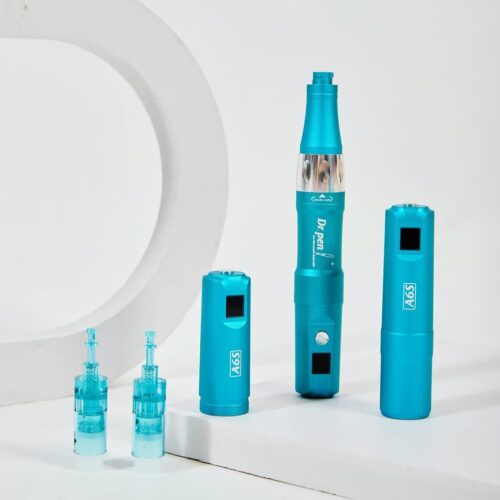
The Dr. Pen M8 is a rechargeable microneedling pen designed for cordless convenience, steady handling, and flexible use with compatible needle cartridges. If you are comparing devices or preparing for your next session, understanding the dr pen m8 charging time, charge indicators, and realistic m8 battery life helps you avoid interruptions and protect the dr pen battery from careless use.
How long does the Dr. Pen M8 take to charge?
Most Dr. Pen M8 listings describe a full charge as taking around 2 hours, though exact charging time can vary by adapter, battery condition, and whether you own the wireless M8-W model or a wired-only M8-C version. The M8 user manual identifies two versions: the wireless Dr. Pen M8-W, which can operate with a built-in battery or AC power, and the wired Dr. Pen M8-C, which operates from AC power only. (manuals.plus)
The clearest rule is to follow the charging indicator rather than the clock alone. The manual states that the power indicator stays red while charging and turns green when charging is complete. (manuals.plus) That means a first charge, an older battery, or a deeply drained unit may need a little more patience before it is ready.
A cordless device built for easier prep
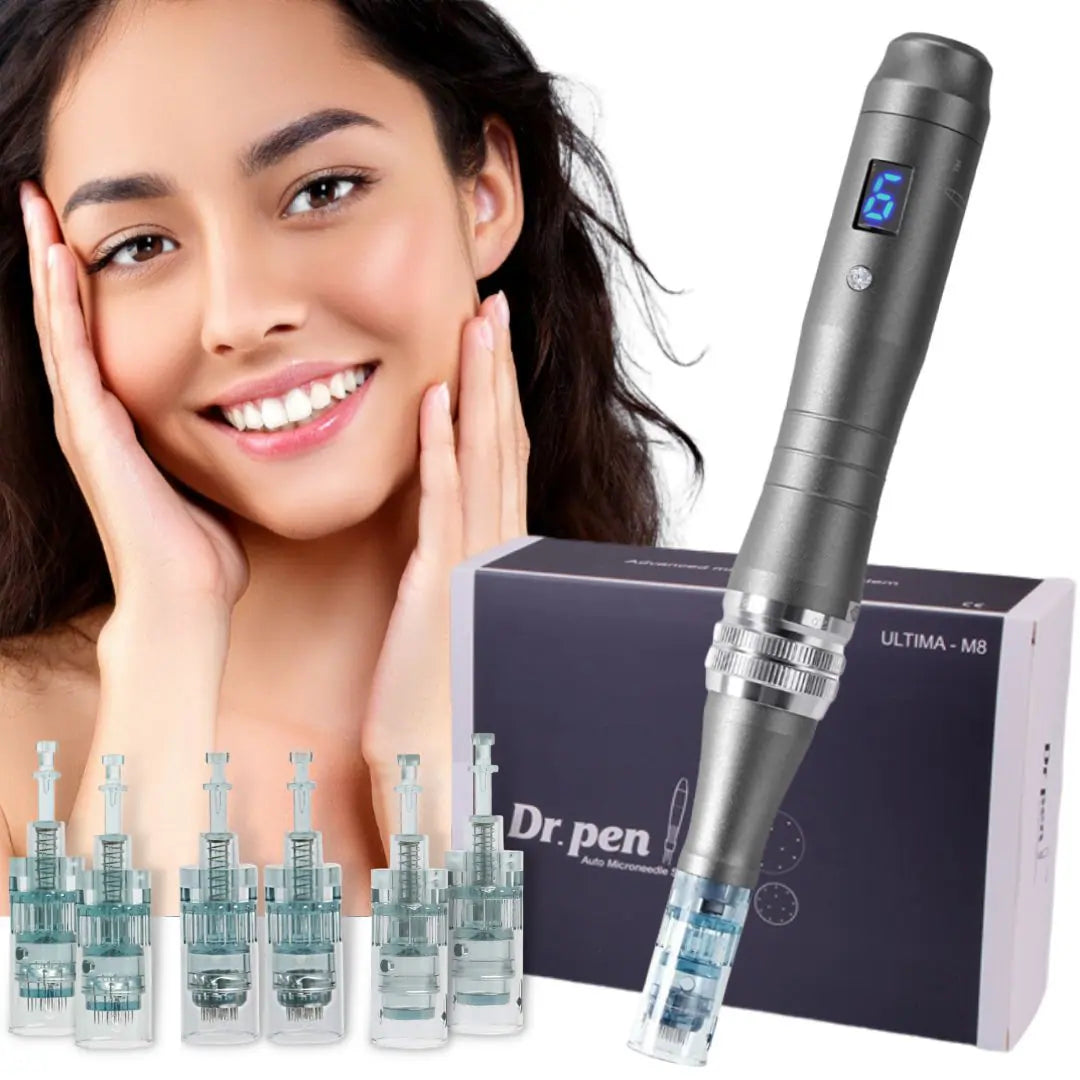
The dr pen m8 is popular because it gives users a pen-style shape, adjustable settings, and the option of cordless handling on the wireless model. Dr. Pen US describes the M8 as having a built-in rechargeable battery, a 6-speed control, a built-in LED screen, and adjustable needle depth from 0 mm to 2.5 mm.
That cordless design is the practical benefit behind the charging conversation. A fully charged pen is easier to position, rotate, and move without managing a cord across your setup area. For anyone who likes to lay out cartridges, serum, gloves, and aftercare items before beginning, charging the device first keeps the process calmer and more organized.
Charging features and battery expectations
Battery life claims are not identical across every seller. Dr. Pen US lists the M8 rechargeable battery as having a 4-hour battery life, while another Dr. Pen M8 product listing describes 2 to 3 hours of battery life per charge and a 2-hour charging time. The safest way to present m8 battery life is as a seller-dependent estimate, not a guaranteed result for every device.
Key charging details to know before buying or using the M8:
- Wireless model support: The M8-W can be used with the built-in battery or AC power, according to the manual. (manuals.plus)
- Wired model distinction: The M8-C is wired-only, so battery charging does not apply in the same way. (device.report)
- Charging status: Red indicates charging, and green indicates charging is complete. (manuals.plus)
- Typical charge planning: Allow roughly 2 hours if your seller’s documentation lists that charging estimate.
- Real-world battery life: Expect runtime to vary with speed setting, age of the battery, charging habits, and whether the device has been stored for a long period.
What comes with the Dr. Pen M8
A product bundle may vary by seller, so always review the current listing before purchase. Dr. Pen US lists the M8 package as including the microneedling pen, US charger adapter, USB charger cable, instruction manual, and travel case.
For a buyer, those included accessories matter. The charger and cable are what make the published dr pen m8 charging time relevant, while the instruction manual explains safe setup and charging behavior. The travel case also helps keep the pen and charging accessories together, reducing the chance that you misplace the cable before your next session.
Simple charging routine before each use
Good charging habits are not complicated, but they do make the product easier to live with. Build a routine around preparation rather than waiting until the device slows down or stops.
Try this simple routine:
- Charge before you set up. Connect the adapter and cable, then let the indicator guide you.
- Wait for the green light. The manual’s red-to-green indicator system is the simplest confirmation that charging is complete. (manuals.plus)
- Check the device before installing a cartridge. Confirm the pen powers on and the speed display responds.
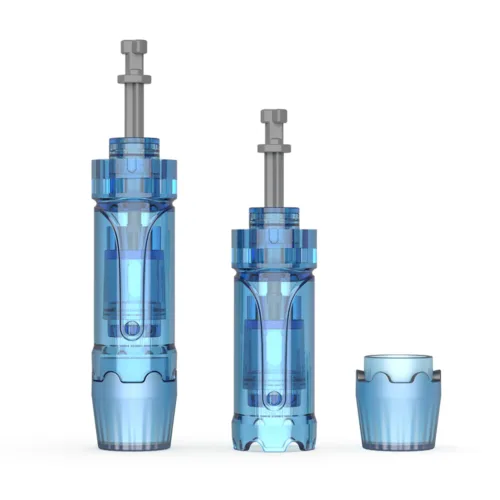
- Prepare only sterile cartridges. The manual instructs users to remove the needle cartridge from sterilized packaging before fitting it to the machine. (manuals.plus)
- Unplug when stored. The manual advises unplugging the device from the outlet when it will not be used for a long time. (manuals.plus)
This routine helps prevent the most common frustration: realizing the battery is low after everything else is ready.
Practical benefits of understanding the battery
A microneedling pen is not just a beauty gadget; it is a precision device that should be handled carefully and used according to the manual. Knowing the dr pen battery behavior helps you plan a session without rushing, swapping cords, or trying to troubleshoot while cartridges are already open.
Understanding charging also helps you choose the right model. If you want cordless handling, confirm you are buying the M8-W or a listing that clearly states rechargeable wireless use. If you prefer a plug-in device and do not want to think about battery health, a wired model may be a better fit.
Pricing and buying guidance
Pricing for the Dr. Pen M8 changes by seller, bundle, region, cartridge count, promotions, and whether accessories are included. Because of that, the best product page should show the live price near the purchase button rather than relying on a fixed figure inside educational copy.
Before you buy, check for:
- The exact model name, especially M8-W versus M8-C
- Included charger, cable, manual, and case
- Compatible cartridge options
- Seller warranty or return policy
- Current price and shipping cost
- Whether the listing states charging time and expected battery life
Charge, prepare, and use with confidence
The Dr. Pen M8 is easiest to use when charging is part of your normal preparation. Plan for about 2 hours where that estimate is listed, watch for the red-to-green indicator, and remember that battery life varies by device condition and seller specification.
Ready to choose your Dr. Pen M8 setup? Review the current product bundle, confirm the wireless or wired model, and keep the charger and manual close so every session starts with a powered, prepared device.